DOOBB
DOOBB is designed for parents to have a fun and healthy
social life during parental leave, by providing a platform
for parents to find and connect with others parents.
Problem
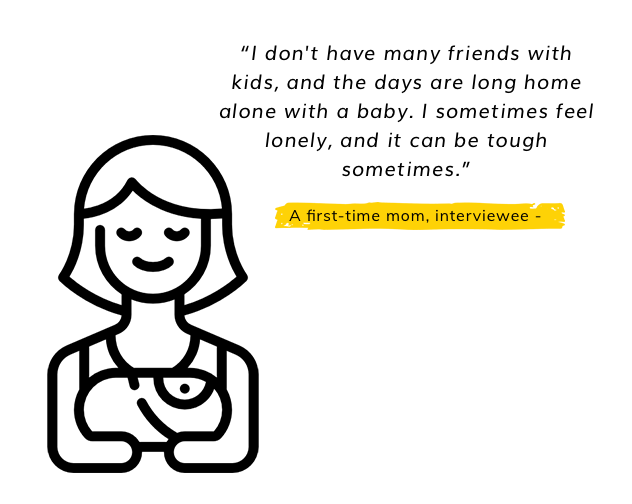
Imagine, you have just had a baby, maybe for the first time. Your partner is back at work, and you are all alone with your baby while everyone you know is at work.
Being at home alone with a baby during parental leave is proven to increase the risk of feeling situational loneliness. Research shows that many parents report meeting friends less often after having a baby.
Knowing where and how to get in contact with others in the same situation can be challenging, and I have found that many feel uncomfortable approaching other parents, in parks, on playgrounds, etc., and initiate to hang out.
The Solution
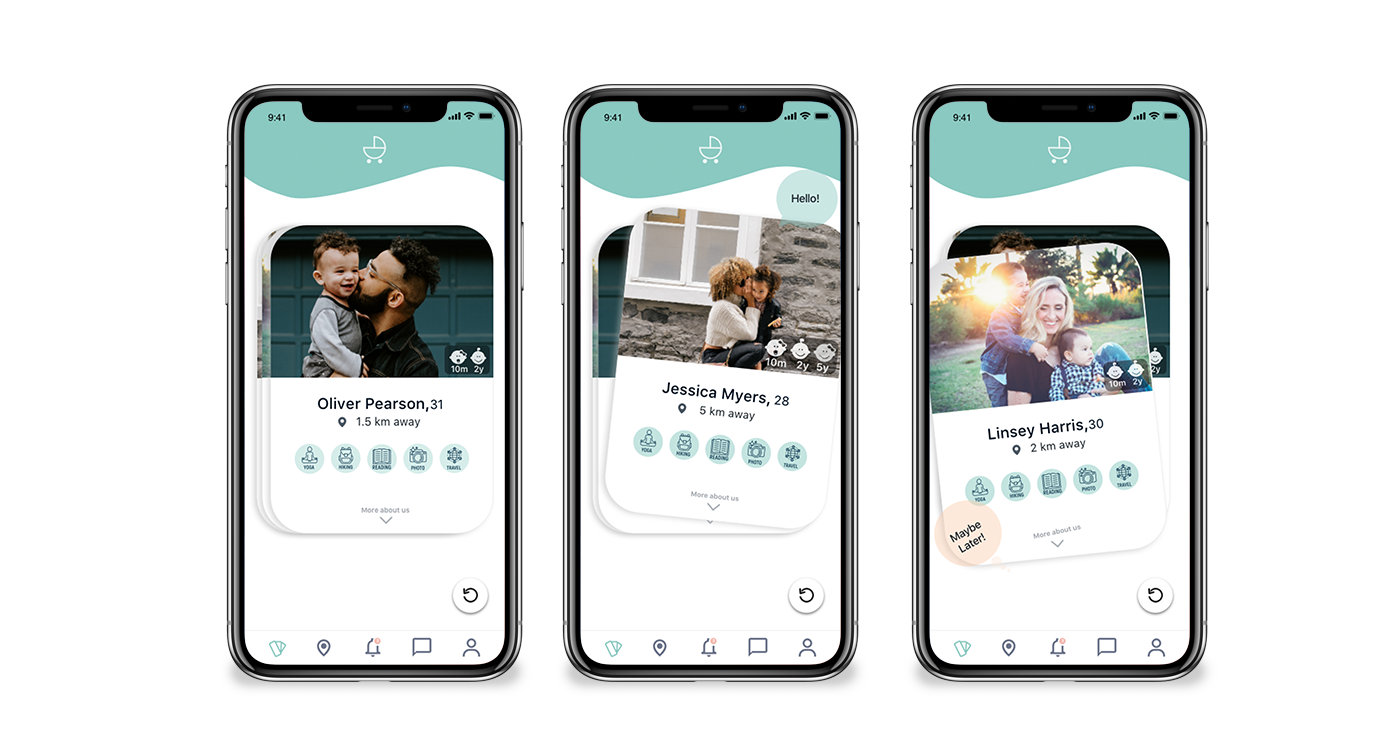
DOOBB is an app designed to help parents find and connect with other parents on parental leave, by providing a platform where you can see others nearby, find parents with similar interests, send messages, and plan to meet up in an easy and effortless way.
My Role
This has included User Research, Ideation, User Stories, User Journeys, Information Architecture, Sketching, Wireframes, Wireflows, Visual Design, Prototyping, and Usability testing.


01 Research
Interviews
5 interviews were conducted with parents who are or have been on parental leave for the last 3 years, and here are my main findings.

Loneliness
I found that many parents experience loneliness while being on parental leave. Many reported not having friends in the same situation, and therefore not having many to hang out with during parental leave.
Arenas to meet
There is a lack of arenas for parents to meet and connect with others on parental leave. Although there are organized “maternity groups”, people often end up not going for various reasons. There are very few organized options for dads.
Uncertain in the role
Many expressed that they felt uncertain about what they were doing and that they wanted a place to ask questions and share experiences with people who could relate.
Social Barrier
Although parents would meet others on playgrounds or other activities, many reported not feeling comfortable being the one to initiate to hang out.

01 Synthesise & Analyze
I then started analyzing the data gathered from the research phase. I was then able to see patterns and gain valuable insight that helped me really define the users and the problem they are facing. I started by creating an affinity map and empathy maps.
Affinity Map
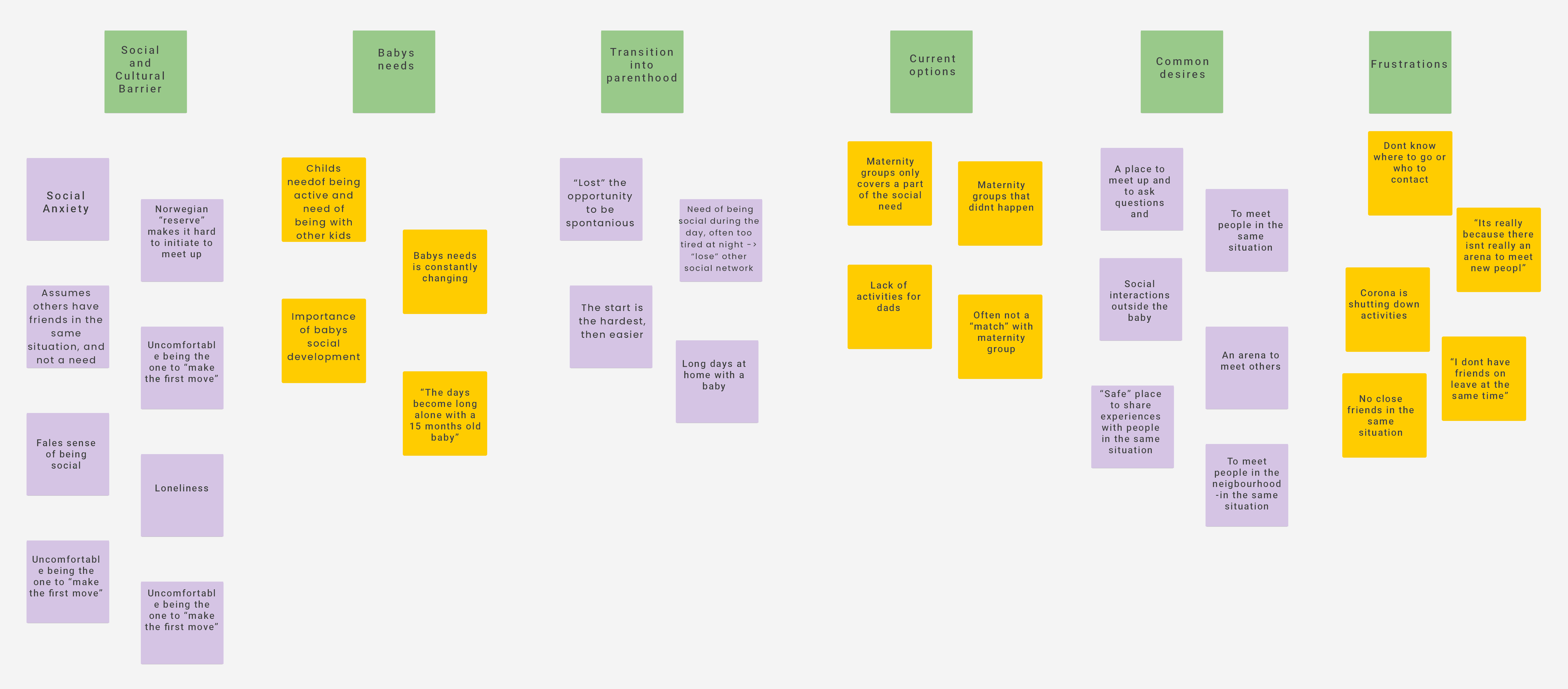
I created an Affinity Map to start organizing and making sense of the data collected in the research phase. This helped me discover patterns and getting a better understanding of the users and the foundation of the problem they were experiencing.
Empathy Maps
Another method I used to organize insights and observations and to really try to understand the user's pain points, goals, feelings, thoughts, and behaviors, was empathy maps.

Personas
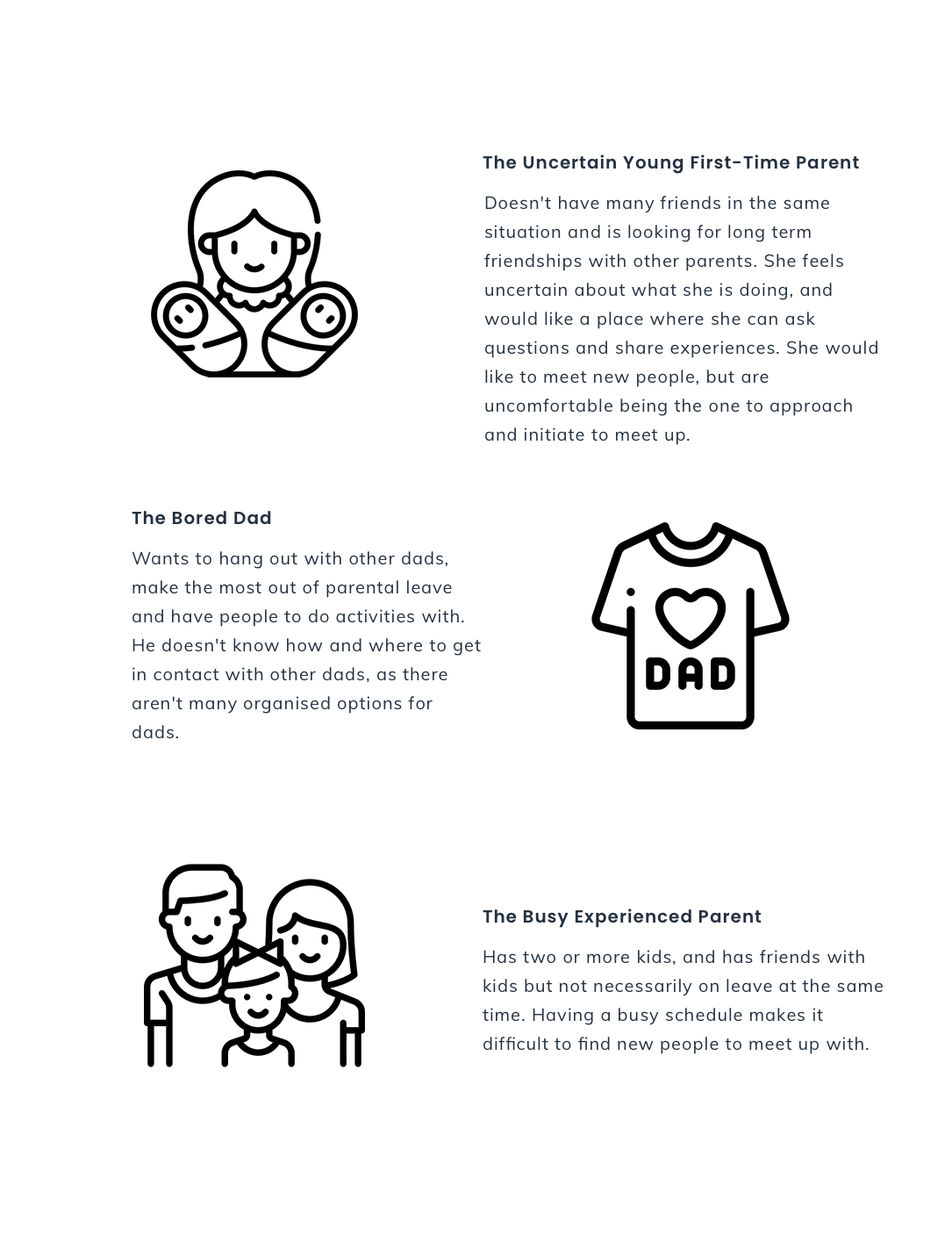
I created three personas to represent the user, which I used as a guide to making design decisions and priorities. Keeping these personas in mind throughout the design process, helped me keep the users in the center of the design.

01 Ideation
Once I had defined the problem, I started working on the solution, generating ideas using various techniques like brainstorming and sketching. As a result of the ideation process, I came to the conclusion of creating a platform for parents to find and connect with other parents.

From my ideation process
User Stories
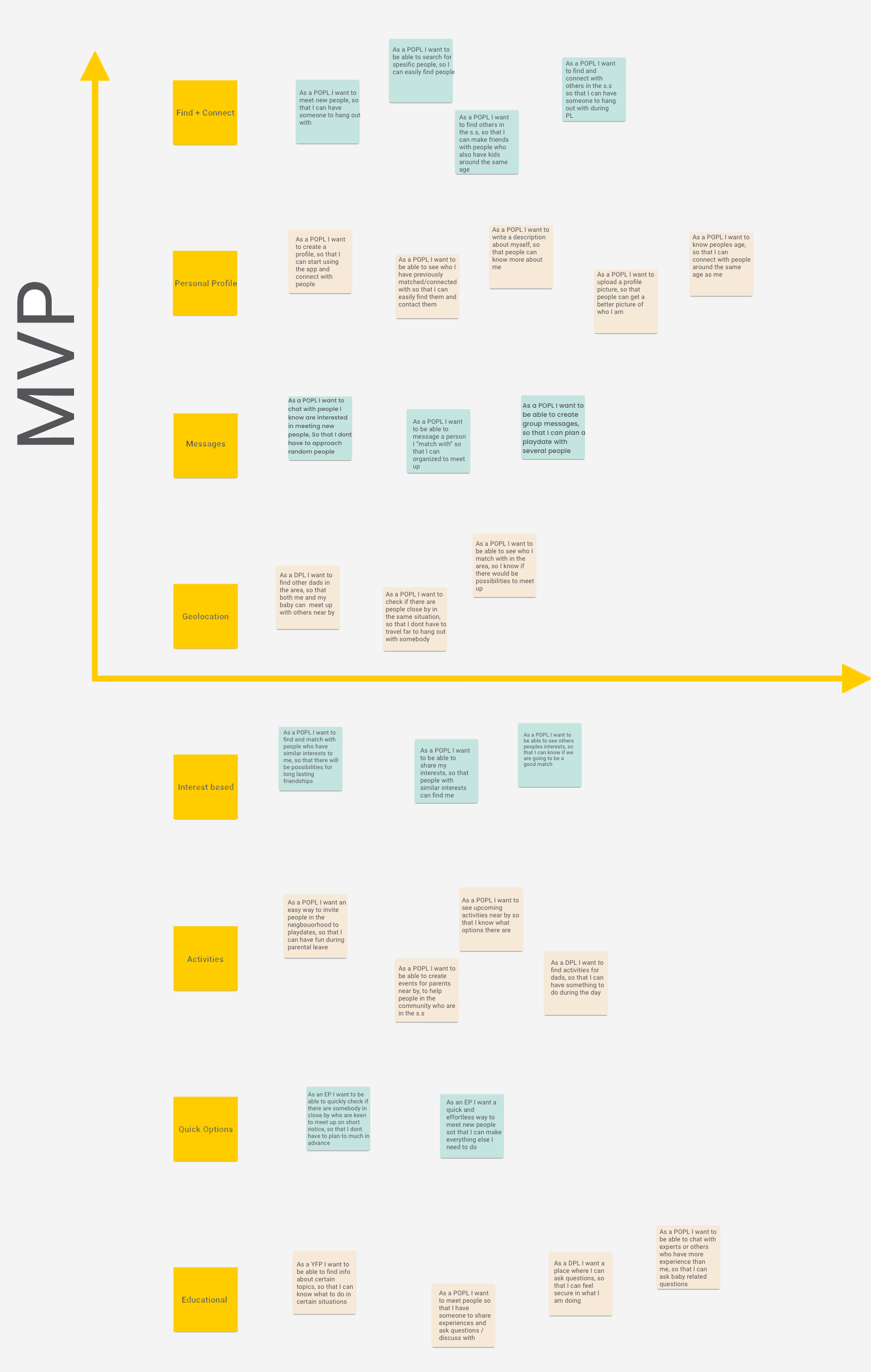
I generated user stories to identify what would be important to include in an MVP to meet the user's needs.
A way for people to find and connect with others
Personal profile
Messaging feature
Geolocation so that people can find others nearby.
02 Information Architecture
Site Map
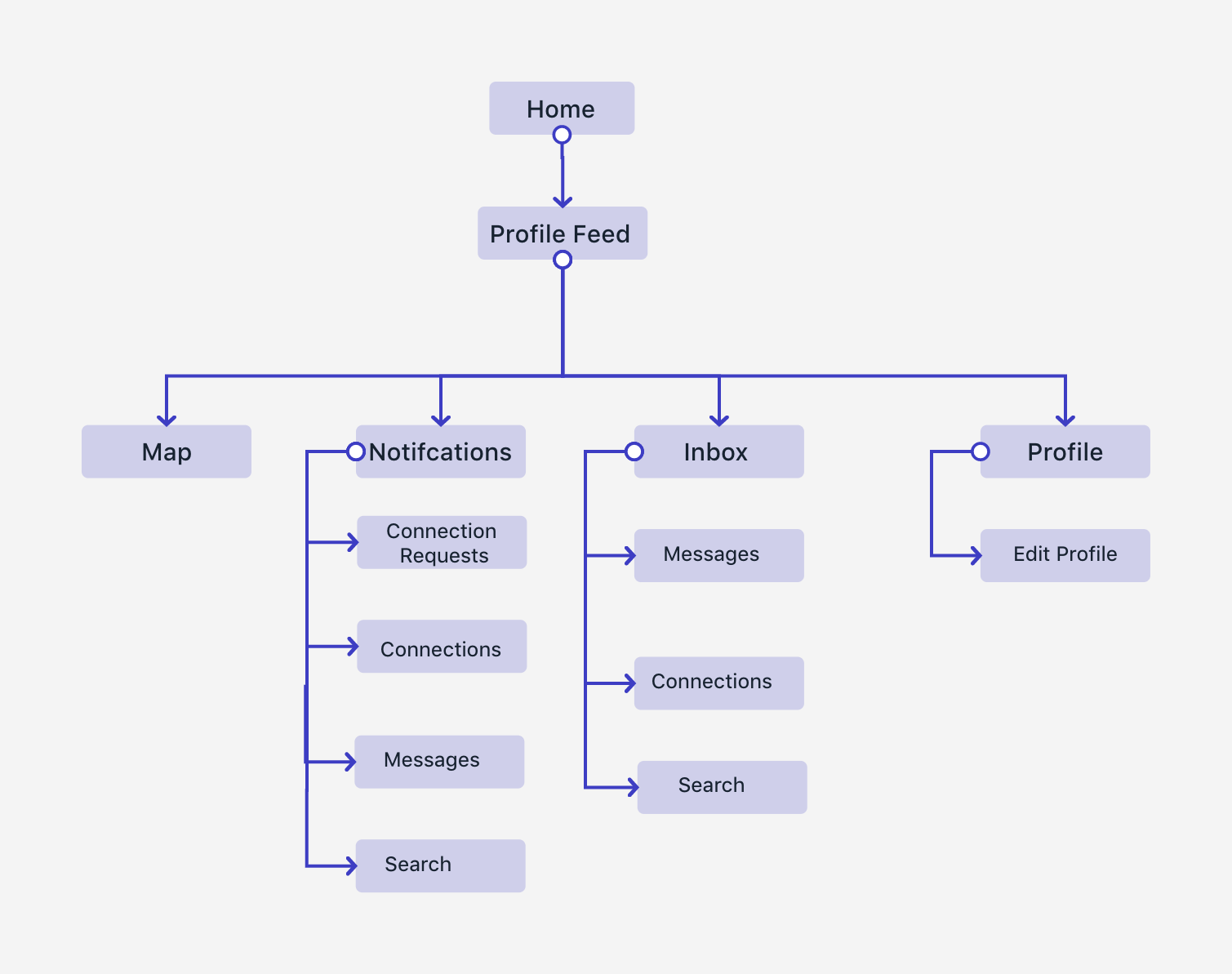
A sitemap was created to get a better overview of the screens that would be included, as well as to visualize the navigation structure and hierarchy of the screens.
User Flows
I created User Flows to get a visual representation of what routes the users might take through the app to achieve a goal. The red routes represent the routes that are critical to the design.

Example from Red Route 2
03 Sketching
After Identifying what would be in the MVP. I started sketching the three main user flows. This allowed me to work through the concept and ideas before making it digital.

Example from Red Route 1 First time user's registration and sign-in
04 Guerilla Testing
As continuous feedback from the users is key, I created a low-fidelity prototype of the sketches and conducted a Guerilla Test with five participants.
Main Issues
Privacy concerns in the onboarding process
Avoid it feeling like a dating app
Unclear instructions
Hard to visualize what x km means
Iterations
Only include kids gender and age
Focus on both parents and child
Simplify and rewrite
Add a map

Example of iteration
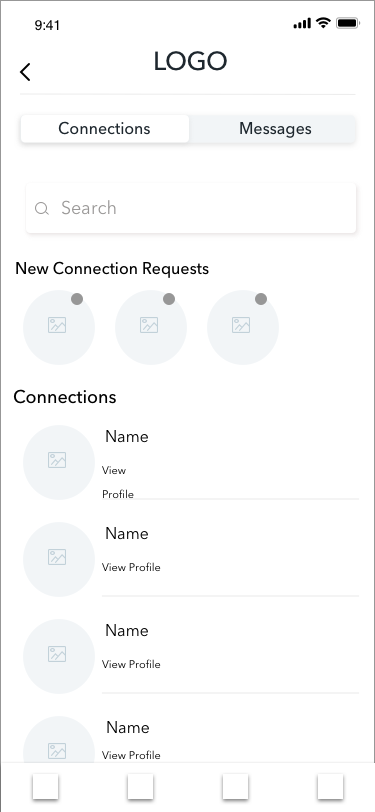
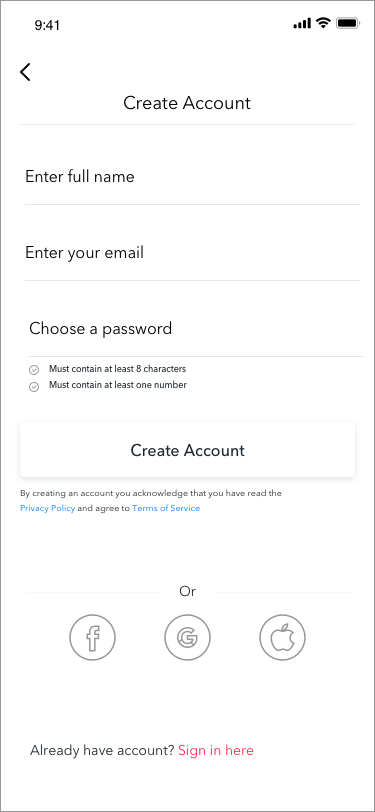
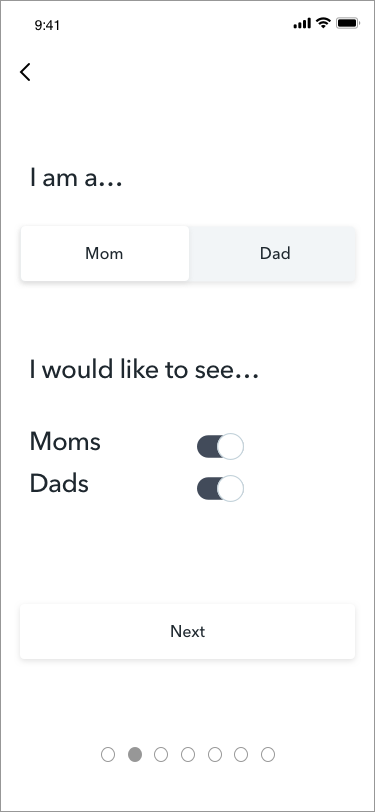
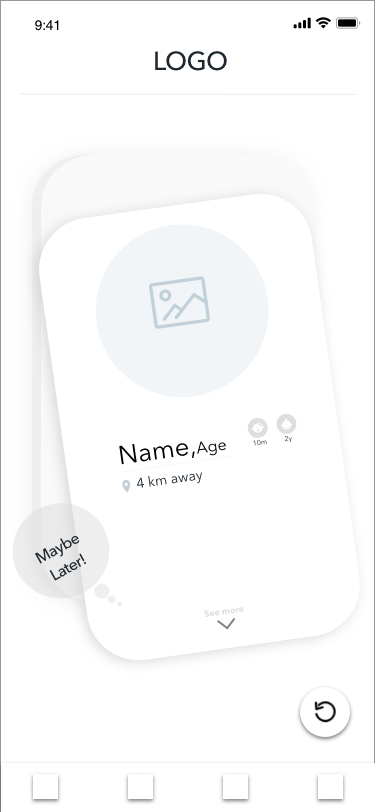
05 Wireframes
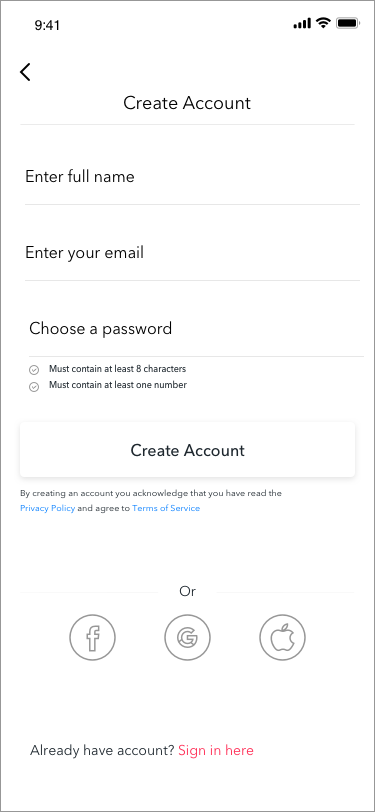
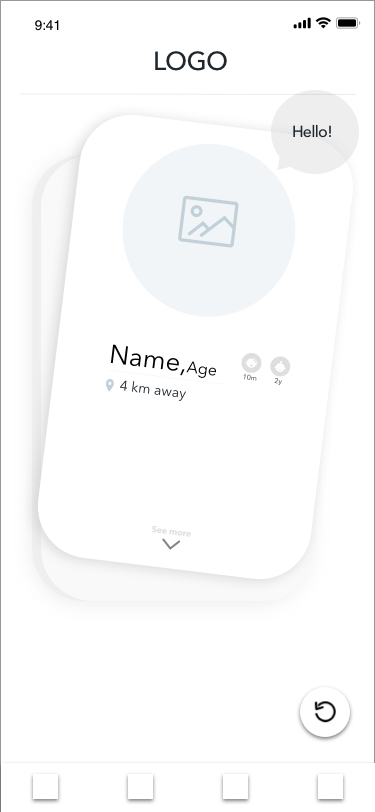
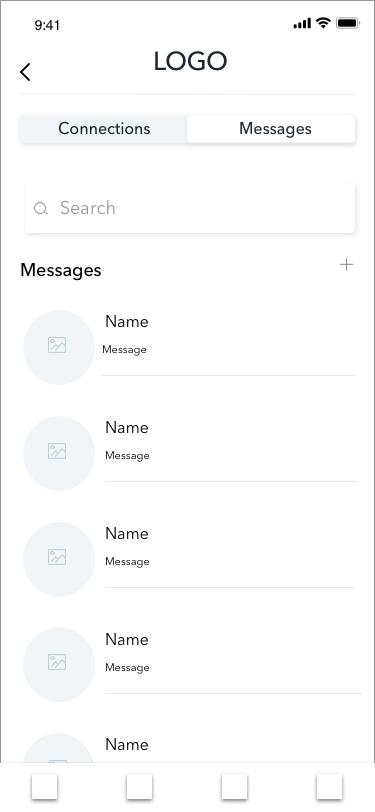
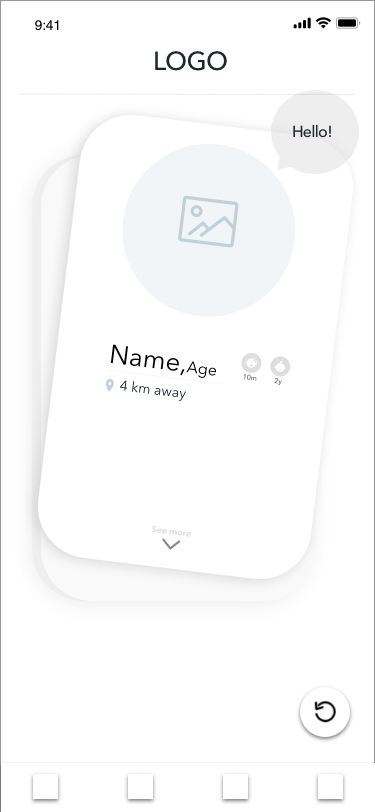
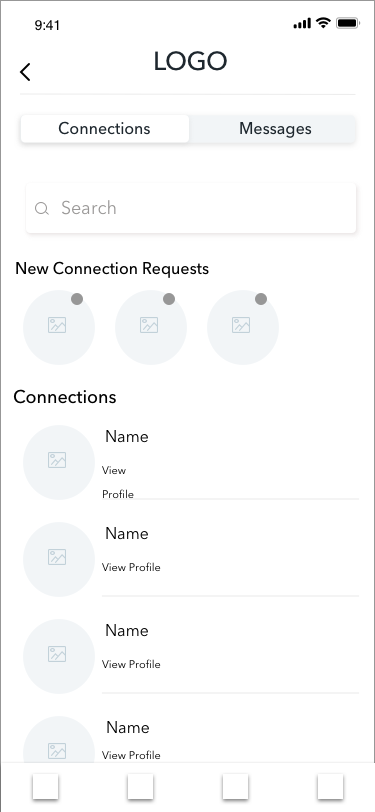
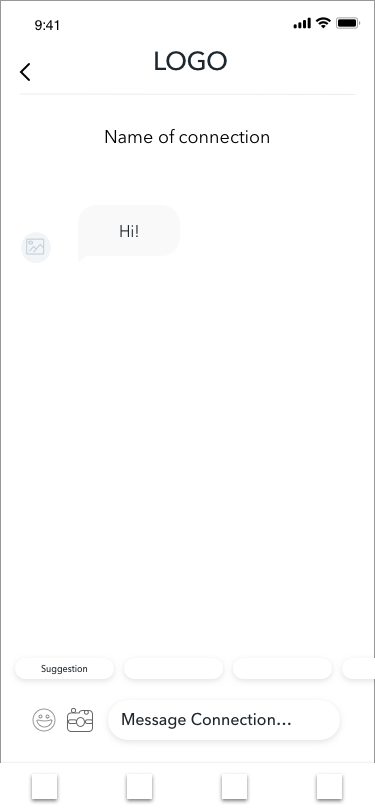
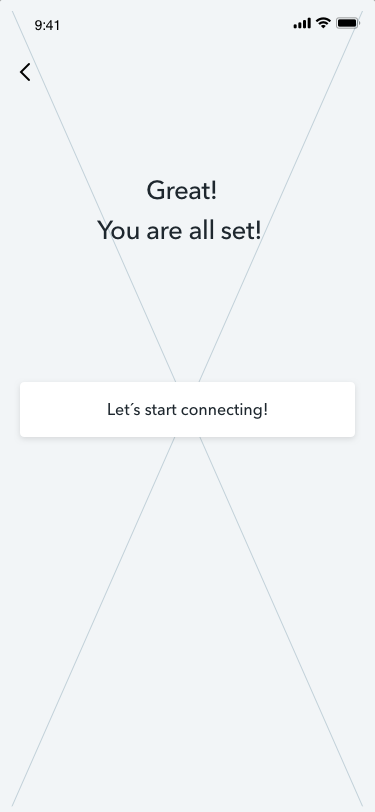
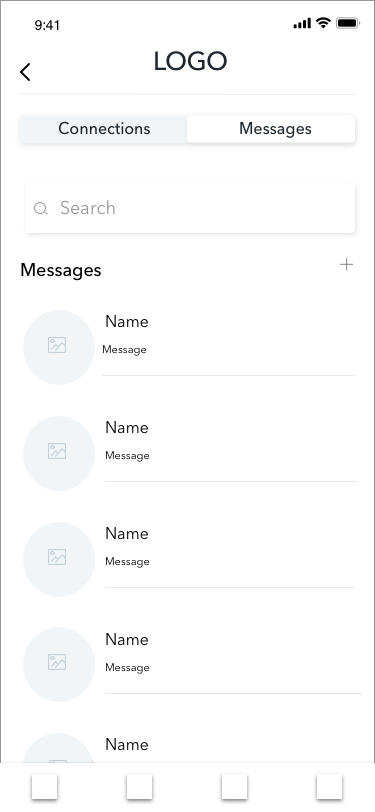
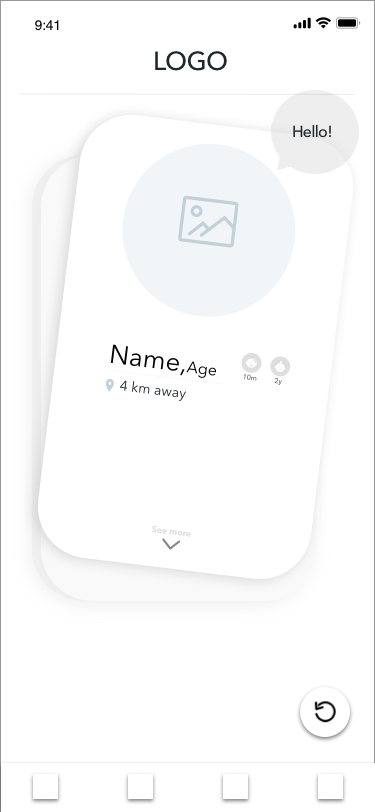
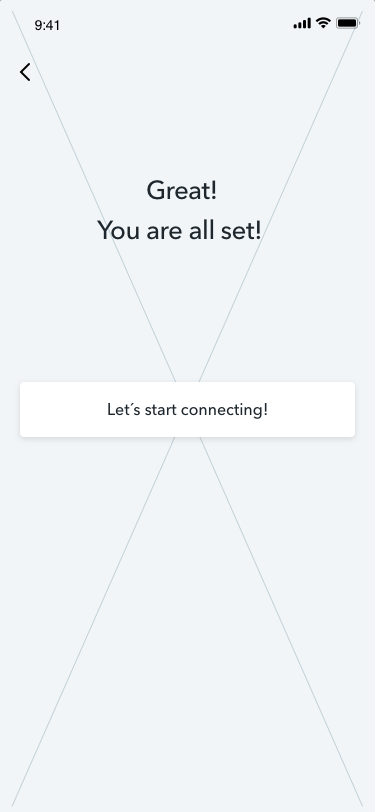
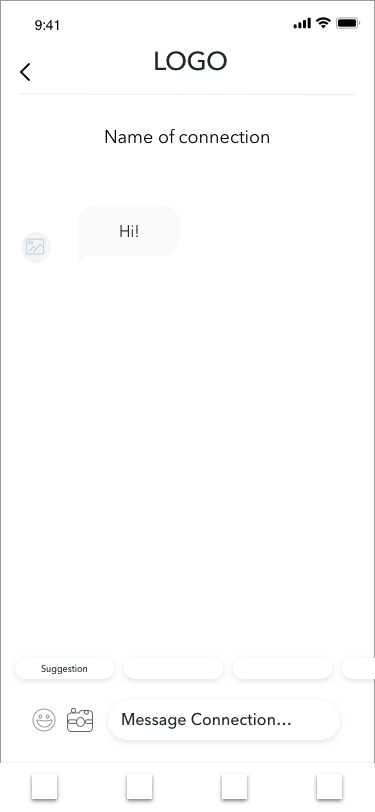
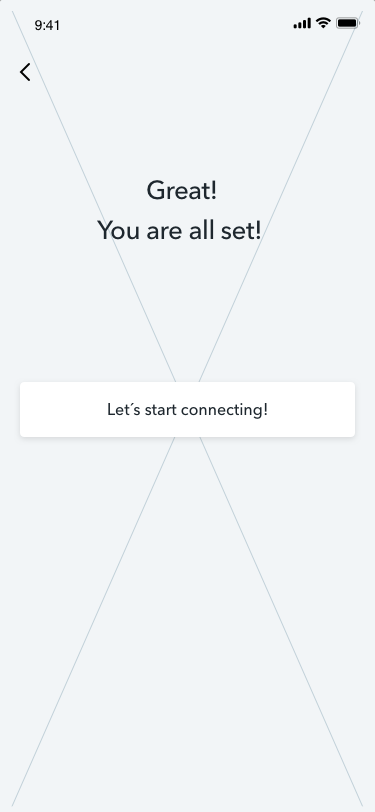
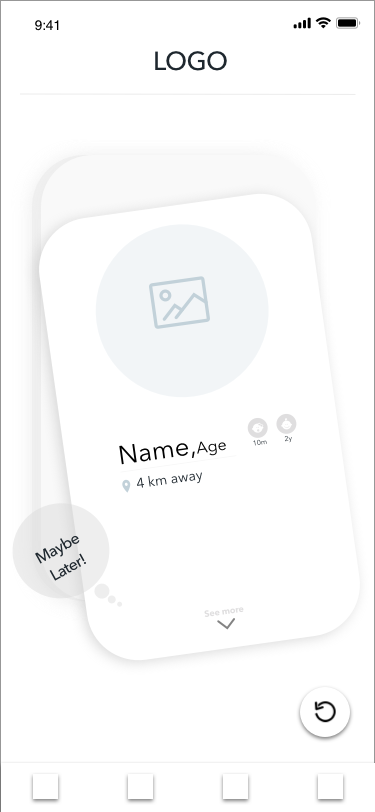
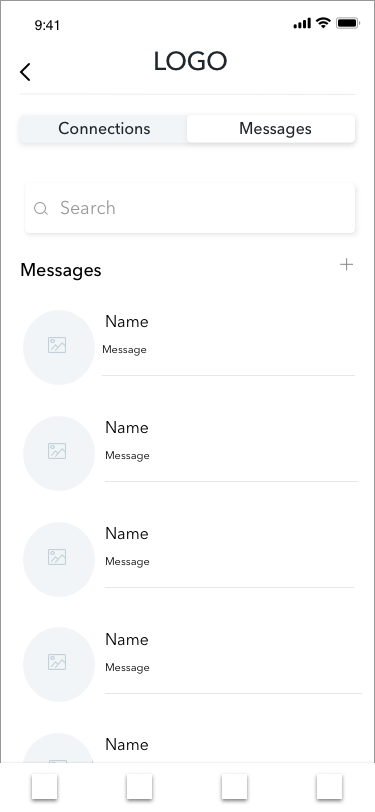
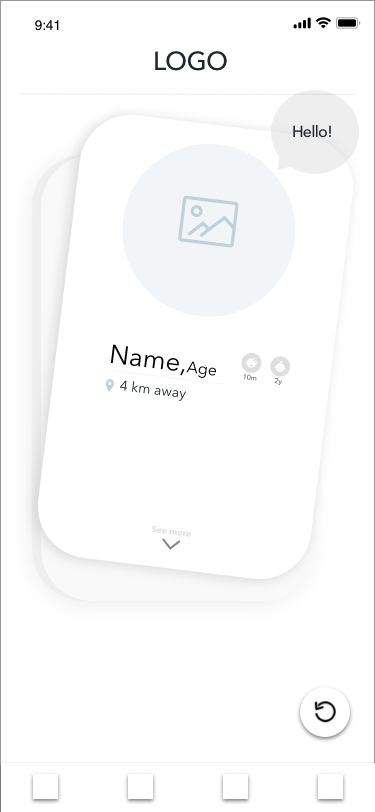
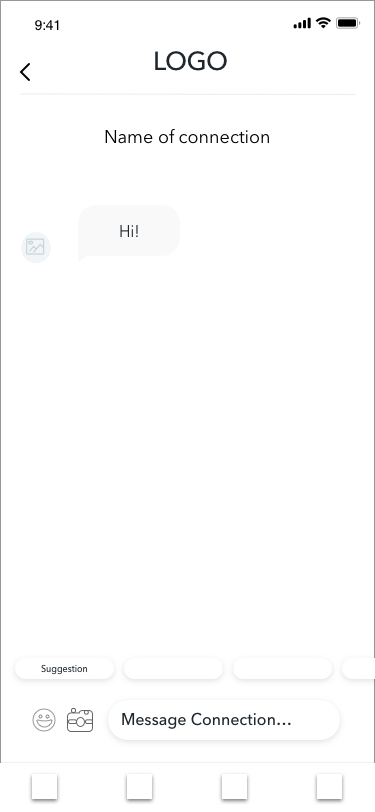
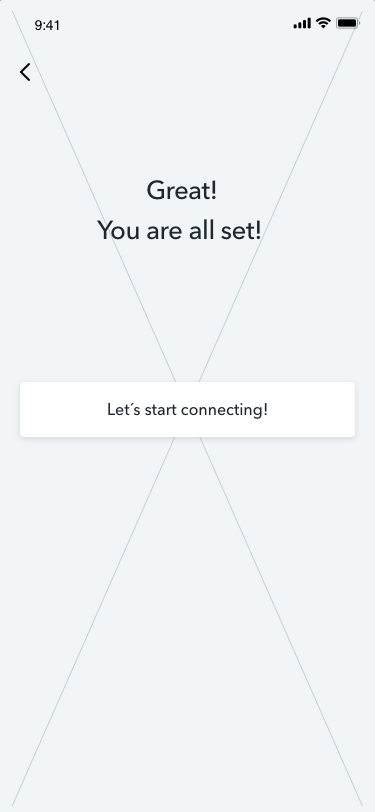
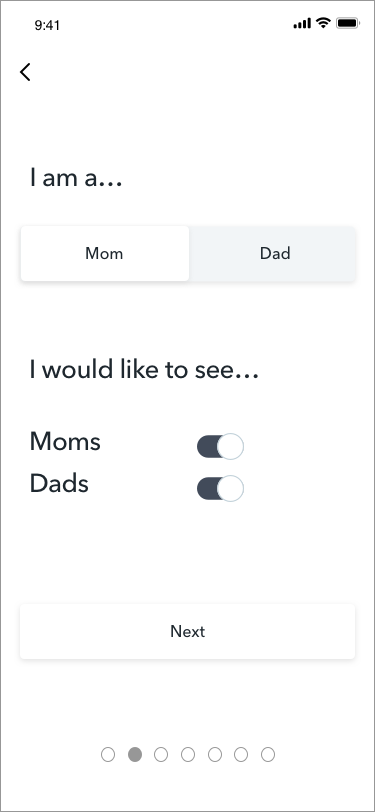
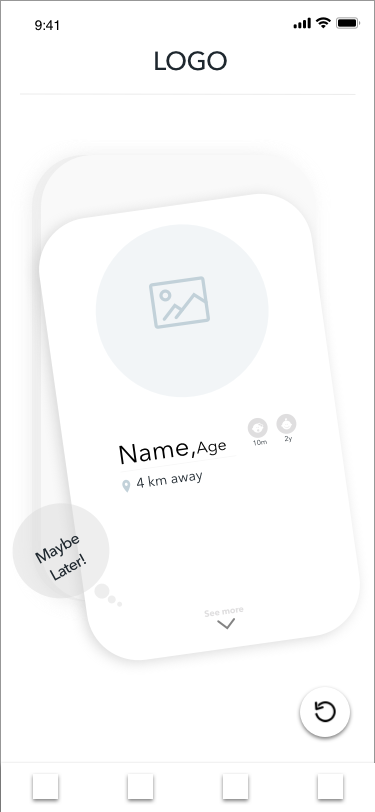
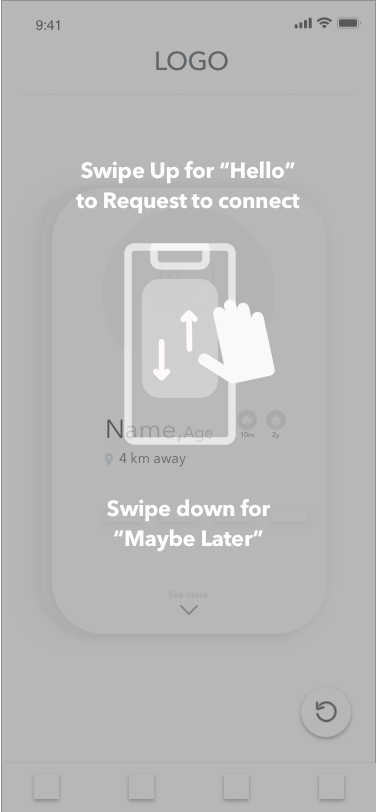
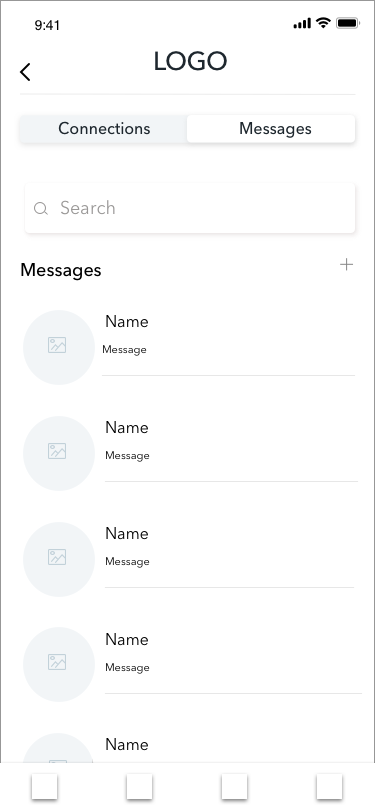
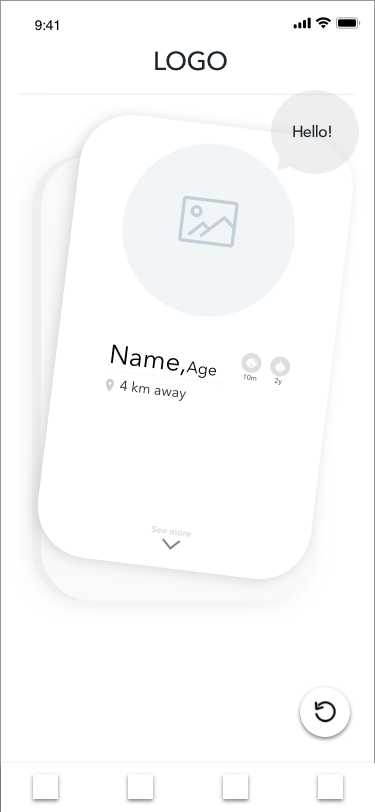
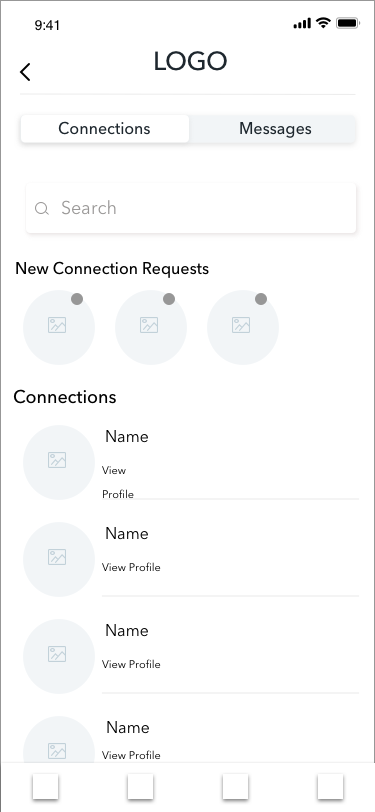
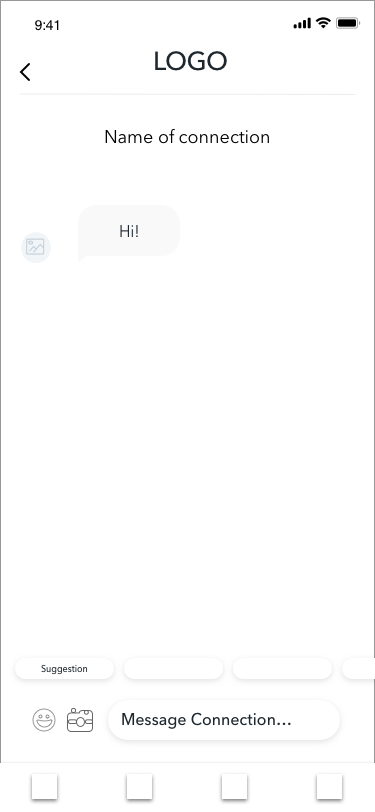
I then used my sketches and the insight from the test and started creating wireframes.





















06 Wireflows
Wireflows were made of all three red routes to represent the workflow of a user and the different states of the same screen.

Example from Red Route 1 - First-time user registration and Sign-in

I created a Style Guide to ensure consistency and set standards throughout the whole project
07 Visual Design
Brand Personality
No one should have to do life alone. DOOBB are looking to make a difference in people's lives by giving parents on parental leave a tool to connect with other parents in the same situation and to have a good time while being on parental leave.
Brand Attributes
Caring, Inclusive, Fun, and Trustworthy
Imagery
I chose the imagery below which conveys the platform's mission of increasing parents' well-being by reducing loneliness among parents on parental leave, as well as creating a community for parents to have fun and feel secure in their role.
Colors
Fun, soft, gender-neutral, and modern colors
08 High Fidelity MockUps
High Fidelity Mockups were then created. Below you can see the first version, that was created before two rounds of usability testing.


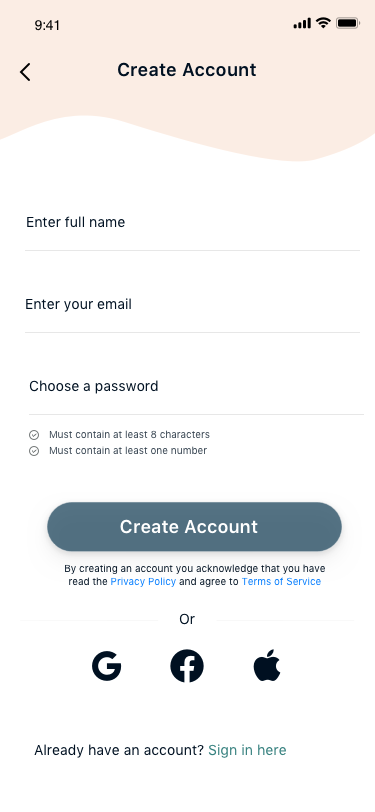
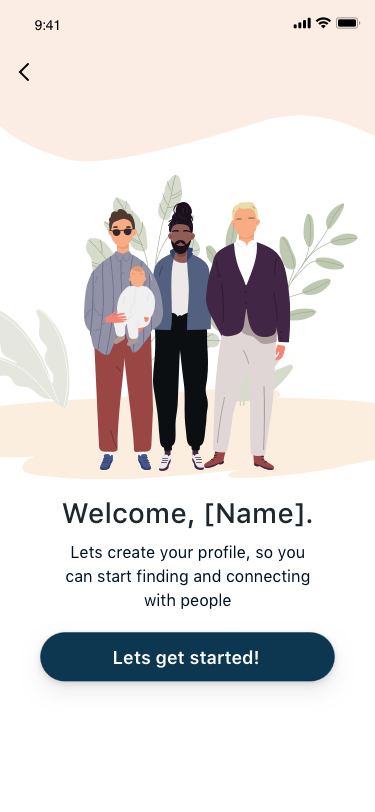


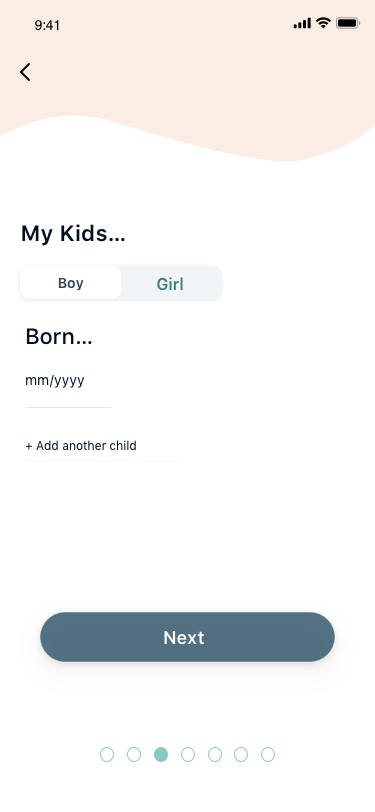

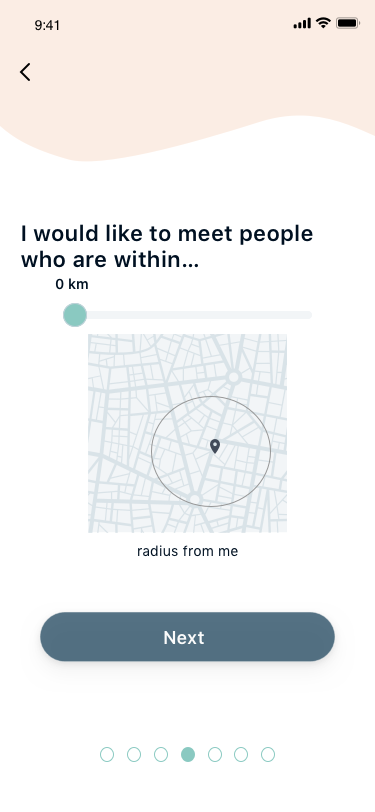






A prototype was made in Invision to be able to test a more realistic version of the app and to get a better feel for how the app will end up looking and feeling.

01 Usability Testing
Two rounds of usability testing were conducted with five participants in each round. This led to further iterations and improvements.
Main Issues
Profile cards being confusing and didn't provide enough info for the user to make a decision
Some participants expressed that the instructions were unclear
80% did not see an important button
More feedback required
Visibility and comprehension of icons
Iterations
Create a bigger interaction area so it is easier for the user to swipe card, make them bigger and look more like cards, and possible to see some of the next cards
Provide more information to the closed cards to give more information to base their decision on
Word the instructions in a simple way to reduce cognitive load, and create more contrast to the background.
Make the skip for now button more visible, and move closer to the next button
Give feedback when swiping the open card
Change icons
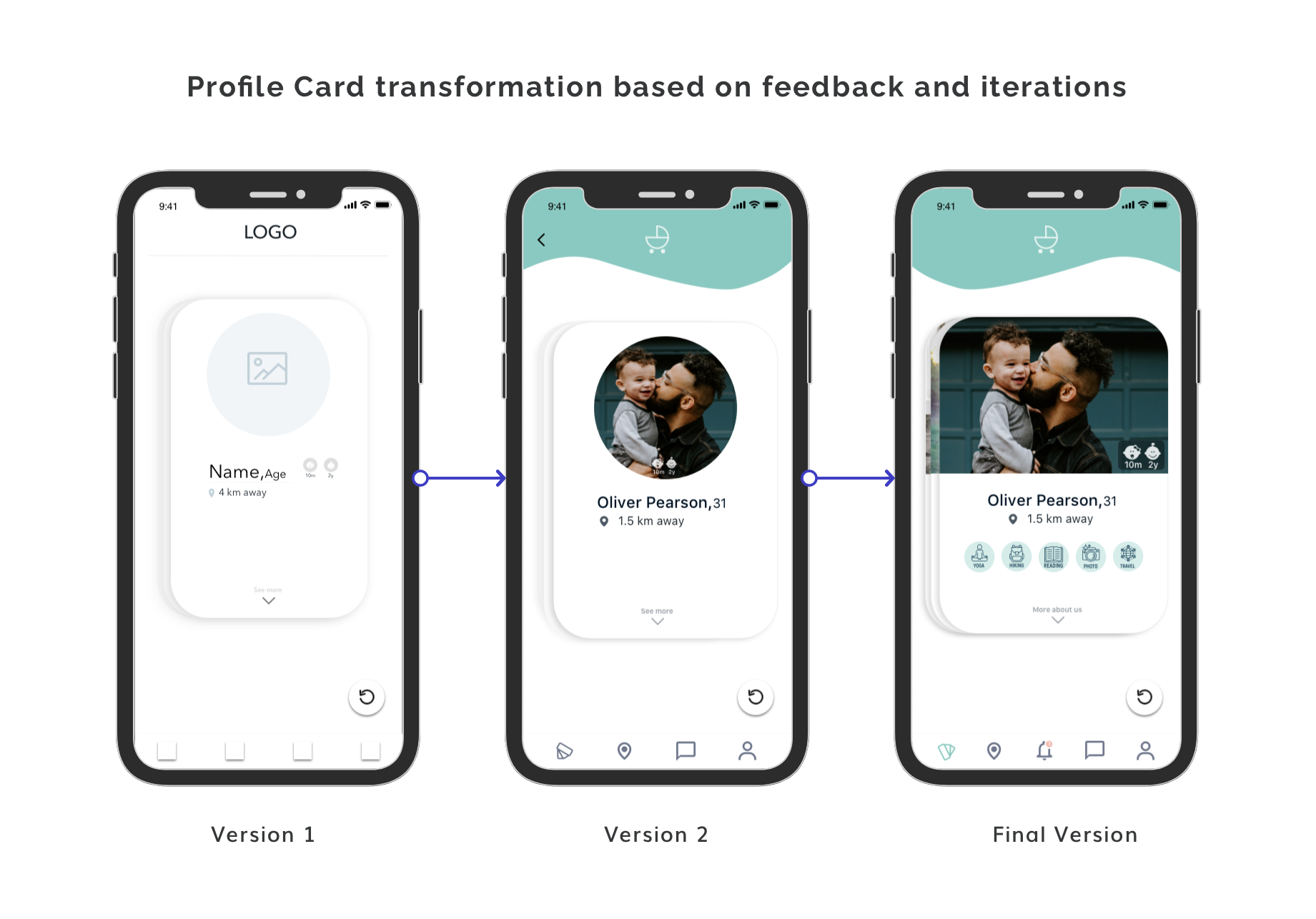
Iteration example


01 Main Features
Profile Cards
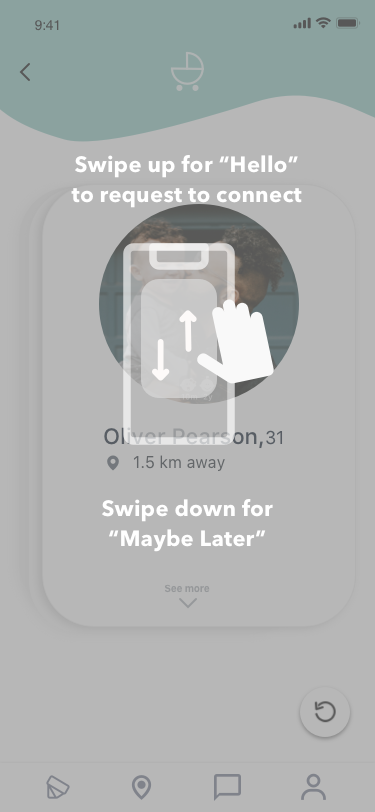
Look through profiles of parents nearby in a fun and gamified way. Swipe up for “Hello” to send a connection request, or swipe down for “Maybe Later”. “More about us" to see more information before making a decision.
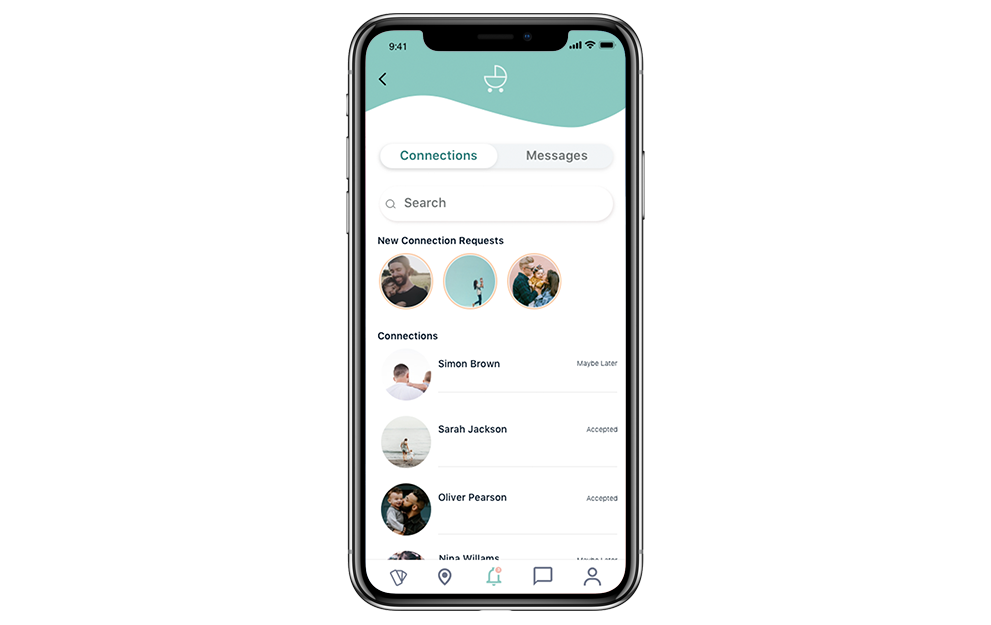
Connections
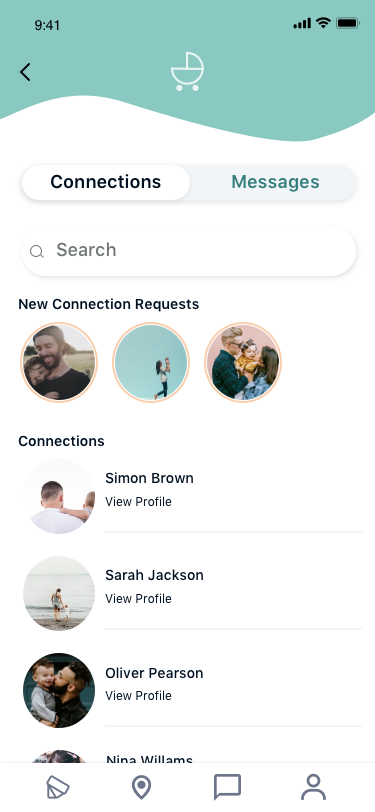
Overview of new and previous connections.

Messages
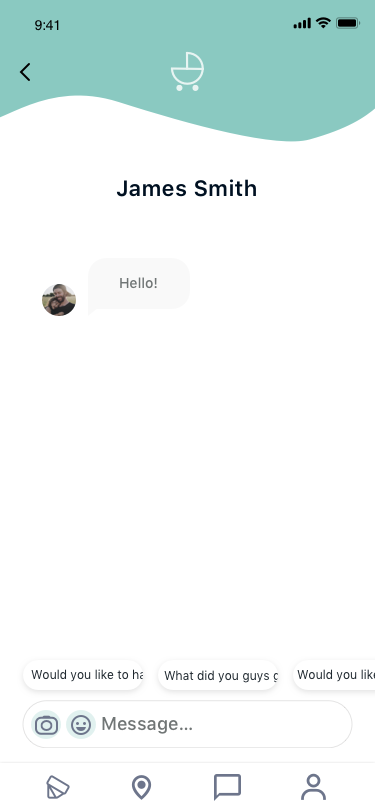
Once connected, start sending messages and plan your next meet-up. Use the "icebreakers" if uncertain of what to talk about.
Onboarding Process
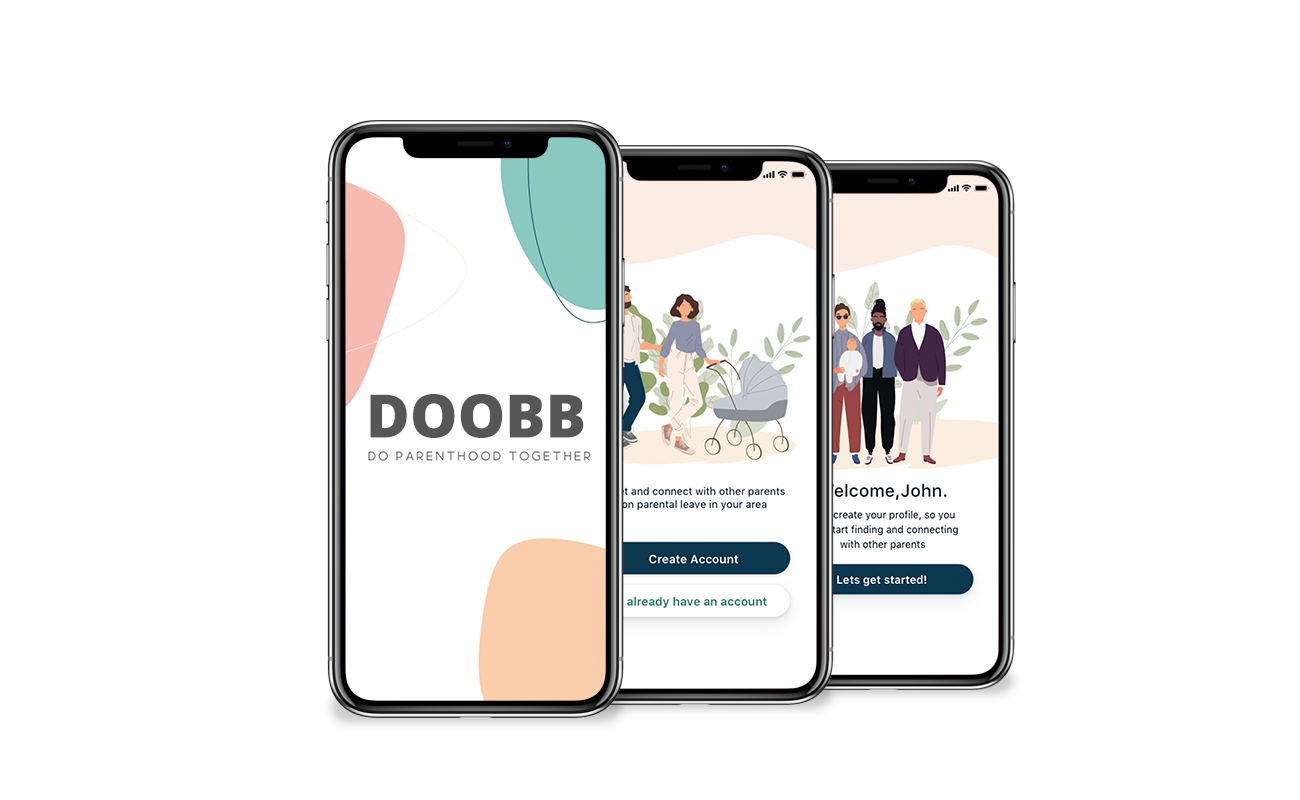
Onboarding process to set up your personal profile and preferences. People can then see you and send a connections request based on your common interests and life situation.

Design Handoff
The next step would be to hand over the designs to the developers. To minimize confusion and back-and-forth communication, as well as assure the quality of the product - good communication with the developers throughout the project is vital. Some important aspects would be:
To ensure a smooth handover, use tools such as Zeplin or Marvel.
Include User Flows to help the developers have a clear understanding of how the flow of the implementation should look like
Add a video showing micro-interactions between or within screens
Make sure to include updated versions of the Style Guide